
Sneak Peek Inside
Join the Digital Media Teacher's Club
Spend Less Time Planning and More Time Teaching
Lock in your membership for as little as $20 per month, plus tax when you choose the annual membership
Your membership price will never increase as long as your subscription remains active, even as new resources, workshops, and curriculum areas are added.
You Should Not Have to Build Every Class From Scratch
If you have ever found yourself:
- Scrambling to put together a lesson the night before
- Trying to teach Photoshop while still learning it yourself
- Piecing together resources that almost work
- Spending hours rewriting lessons to fit your class
- Searching for projects your students will actually enjoy
- Troubleshooting software problems without anyone to ask
- Feeling like you are the only digital media teacher figuring this out alone
You are not alone.
The Digital Media Teacher’s Club gives you classroom resources, professional development, and ongoing support designed specifically for digital media teachers.
Instead of searching for one more individual lesson, you can build a complete library of resources while learning alongside a community that understands your classroom and your specific needs!
What You Get Inside the Digital Media Teacher's Club:
Classroom-Ready Resources
-
Save planning time with lessons, project materials, worksheets, teacher directions, and standards-based rubrics that are designed for real classrooms.
-
Resources are backwards planned to help your students continue to build their skills and include rubrics that allow you to track their progress!
-
You can use the resources as written or adjust them to fit your students, schedule, and teaching style.
Monthly Professional Development
- Join live monthly meetups where we work through problems you've come up against, tutorials you have asked for, and so much more.
- Or watch the replays when it works for you!
- During each meetup, I work on topics that YOU ask for. We will walk through projects, tools, and teaching strategies step by step so you can understand the material before introducing it to your students, or trouble shoot after something has gone awry!
- These workshops are designed to help you feel more confident teaching digital media, not just give you another video to watch.
A Growing Resource Library
- Your membership includes access to everything currently inside the club, along with new resources added as the library grows.
- You are not purchasing one isolated curriculum and then being left on your own. You are joining a growing collection of curriculum, projects, workshops, classroom activities, and teaching support.
Exclusive Member Resources
Members receive resources that are not available in my Teachers Pay Teachers store, including:
- Substitute lesson activities
- Team-building activities
- Classroom icebreakers
- Workshop resources
- Supplemental projects
- Additional teaching tools requested by members
These resources are created to help with the everyday parts of teaching that are often left out of a traditional curriculums shared online.
Community and Ongoing Support
The club is more than a resource library, it is a place where you can:
- Ask questions when Photoshop, Lightroom or other Adobe Programs are not cooperating
- Ask for help with cameras, supplies, or other equipment
- Get help adapting a project for your classroom
- Share ideas with other digital media teachers
- Learn how other teachers approach similar challenges
- Request resources and future workshop topics
- Get support without searching through random tutorials and teacher groups
You do not have to troubleshoot every lesson, project, or software problem alone.
Starting With Photoshop and Growing From There
The club currently begins with a strong Photoshop focus, including access to the full Photoshop curriculum and supporting resources.
As the club grows, additional content will be added in areas such as:
- Photography
- Graphic design
- Illustrator
- Canva
- Marketing
- Digital media classroom management
- Community building
- Substitute lessons
- and more
Photography and graphic design materials will be added over time as those curriculum collections are developed.
When you join now, your membership includes access to new subject areas as they are added without increasing your locked-in monthly or annual price.
Why Join the Club Instead of Buying One Curriculum?
Purchasing a curriculum gives you a set of resources, joining the club gives you the resources and the support to use them successfully.
As a member, you receive:
- The full Photoshop curriculum
- New resources as they are released
- Live professional development
- Workshop replays
- Exclusive member-only materials
- A growing library across multiple subject areas
- A place to ask questions and receive support
- Opportunities to help shape what is created next
Instead of making another one-time purchase and figuring everything out alone, you become part of an ongoing professional learning community.
Full Access Membership
Join for $24 per month, plus tax
Your membership price is locked in for as long as your subscription remains active.
As new curriculum, workshops, and subject areas are added:
- Your access continues to grow
- Your monthly rate stays the same
- You are not charged separately for each new addition
You can also save with an annual membership:
$240 per year, plus tax
That gives you 12 months of access for the cost of 10 monthly payments.
Want your school to pay? Click Here!
Why Join Now?
You are not only joining for what is inside the club today.
You are joining for everything it is becoming.
As the club grows, you will receive:
- More classroom resources
- More complete curriculum collections
- More live workshops
- More workshop replays
- More digital media subject areas
- More opportunities to ask questions
- More support throughout the school year
Your membership price will remain the same as long as your subscription stays active.
Future members may pay more as additional curriculum and subject areas are completed, but your rate will remain locked at $24 per month.
Help Shape What Comes Next
The Digital Media Teacher’s Club is still growing.
The Photoshop curriculum is currently the only complete curriculum inside the club. Photography and graphic design materials will be added throughout the next two years, with individual projects and resources being added along the way.
Joining during this stage means:
- You receive the lowest membership price currently available
- You can help shape upcoming resources and workshops
- You can request support based on your classroom needs
- You gain access to new materials as they are completed
- You grow alongside a community of digital media teachers
I am not building a massive library filled with random resources. But, I am building a useful collection based on what digital media teachers actually need, including the resources, training, and support that make your planning easier.
What is Currently in the Club?
My full Photoshop Curriculum is included as well as videos that introduce the different lessons, how I structure them, tips on how to differentiate or which ones to skip if you're in a pinch and an overview of the skills and standards for each unit and more.
I'm also adding more to the Photography and Graphic Design Curriculums every week. As we move through this new school year, I plan to upload new resources as I make them for my own classroom so you get a full curriculum by the end of the year and have what you need as you need it.
The club includes EVERYTHING that is currently in my TPT Store and so much more! It will also include lessons and resources that will stay exclusive to the club and will never end up on my TPT store.
Now, you can always go and buy resources from my TPT store individually, but those are just the PDFs. Our club also includes monthly meetups and a private Facebook group where you can ask questions and get support from others using the same curriculum!
Click on any of the links below to see just SOME of the individual resources I have on Teachers Pay Teachers to see how valuable the membership in the club is already!
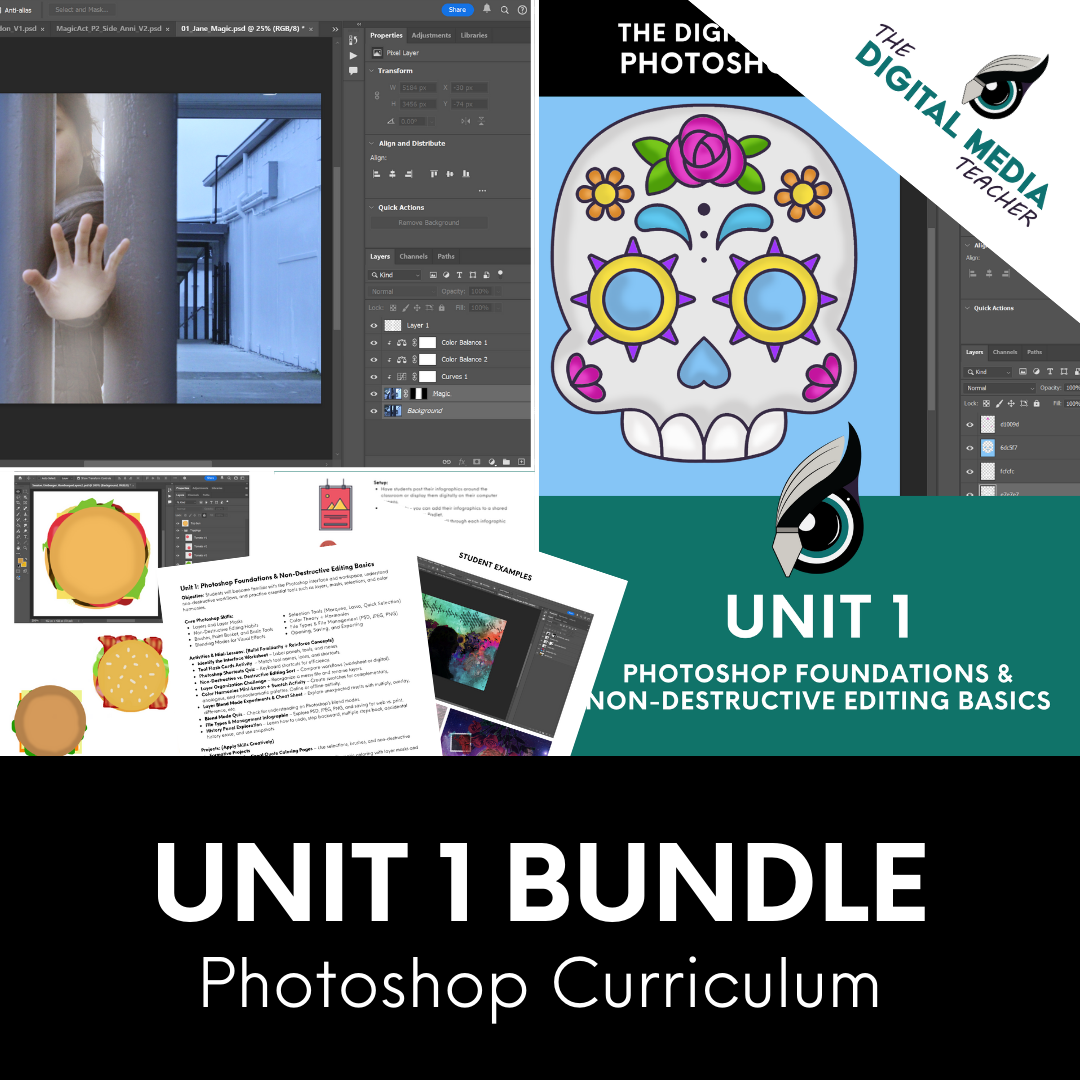
Unit 1: Photoshop Foundations
15+ Resources, including lessons, activities, projects, rubrics, student examples and sample photos to use to introduce your students to the fundamentals of Photoshop and Non-Destructive Editing - a MUST HAVE for anyone teaching Photoshop!
Resources included in Unit 1:
1 - Interface Identification
2 - Tool Flashcards & Mnemonic
3 - Destructive vs Non-Destructive
4 - Color Harmonies
5 - Motivational Coloring Pages
6 - History Panel
7 - Organizing Layers
8 - File Types
9 - Autumn Coloring Pages
10 - Hamburger Layers
11 - Calaveras Coloring Pages
12 - All About Me Collage
13 - Double Exposure
14 - Levitation or Magic Trick
15 - Multiple Me
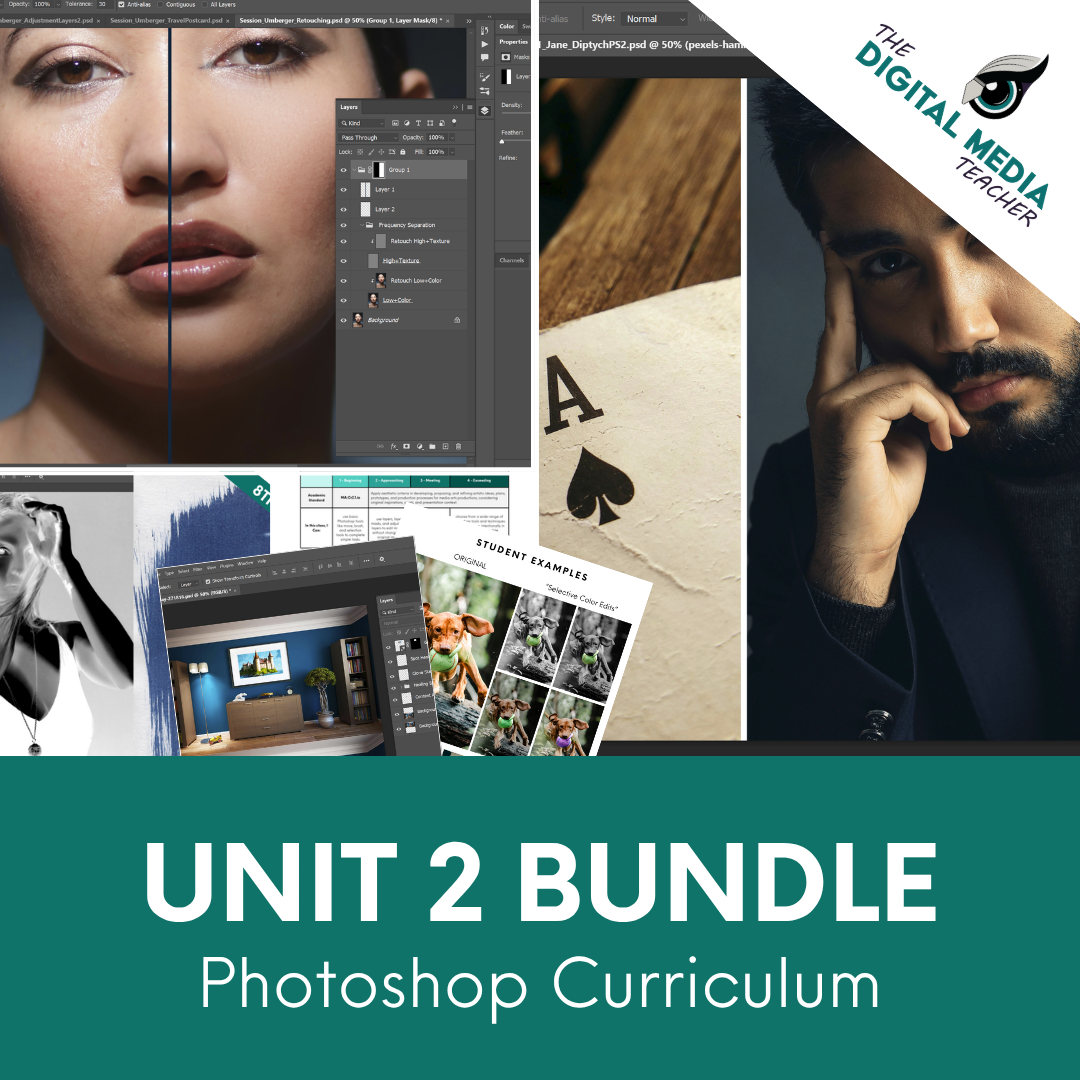
Unit 2: Retouching and Adjustment Layers
17+ Resources, including lessons, activities, projects, rubrics, student examples and sample photos to use with your students. This unit continues building on the skills from unit 1 and adds in new tools and new techniques designed to help prepare your students to make editing decisions on their own.
Resources included in Unit 2:
- 1 - Two Handed Shortcuts Drill
- 2 - The Crop
- 3 - Actions Overview
- 4 - Juxtaposition Diptychs
- 5 - Content Aware Fill
- 6 - Color Modes & Hex Codes
- 7 - Winter Coloring Pages
- 8 - Spot the Difference Challenge
- 9 - Ethics in Editing
- 10 - Sharpening and Blurs
- 11 - Retouching Tools and Color Corrections Posters & Vocab
- 12 - Selective Color
- 13 - Vintage Color
- 14 - Cyanotype Negatives
- 15 - Recolor the Past
- 16 - Skin Retouching
- 17 - Headshot Retouch
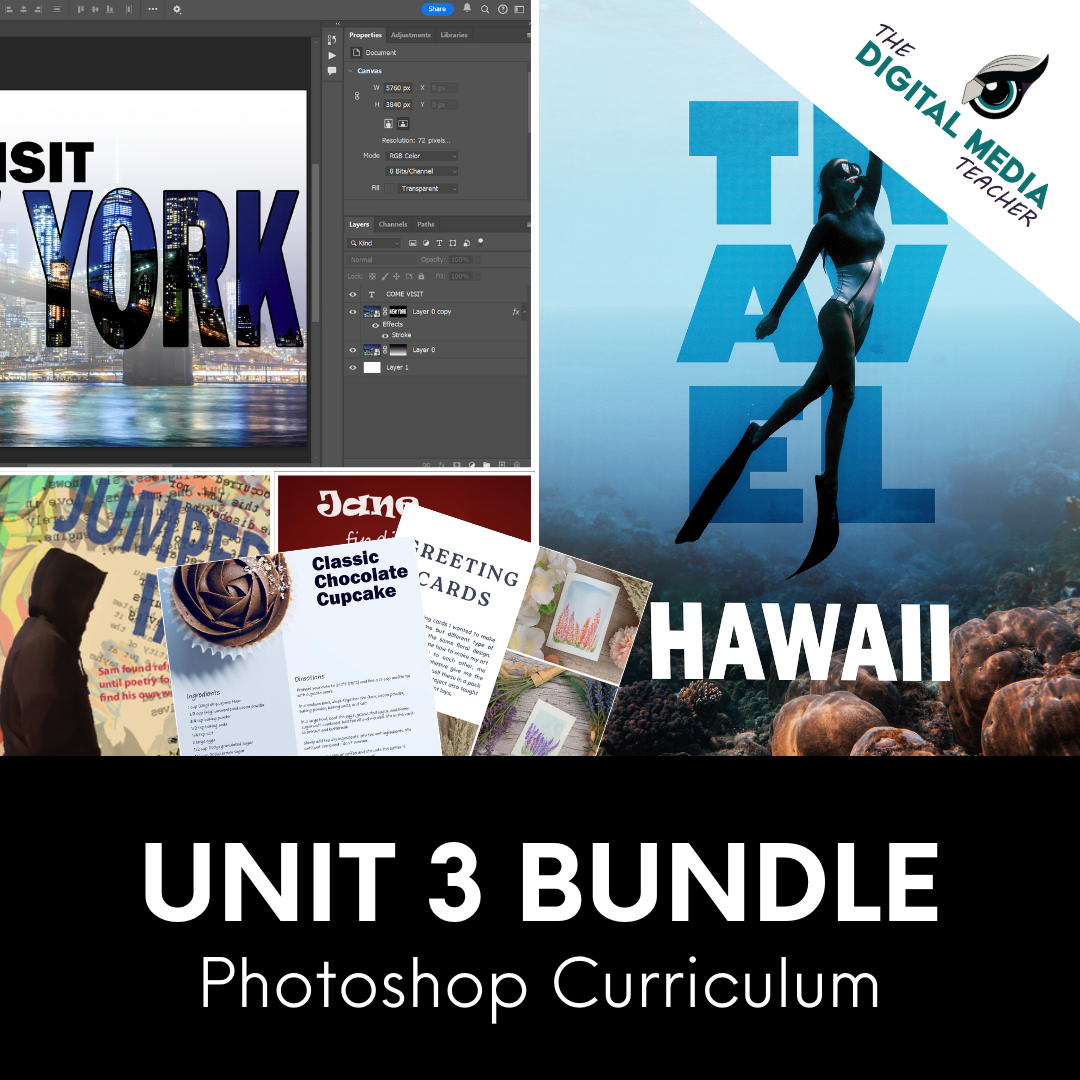
Unit 3: Graphic Design Principles
15+ Resources, including lessons, activities, projects, rubrics, student examples and sample photos to use with your students to prepare them for the Adobe Certification test. The test is heavily Graphic Design focused and most students get bored preparing for this with the prep materials from Adobe or from other recommended sites. These projects prepare your students without them even realizing it!
- 1 - Opening Presets Exploration
- 2 - Type Tool Experimentation
- 3 - Typography Personalities - Matching Fonts to Portraits
- 4 - Typography Personalities: Matching Fonts to Products
- 5 - Letter Art
- 6 - Anatomy of Typography
- 7- Typography Poster Design
- 8 - Watermarks
- 9 - Grid Design
- 10 - Senior Portrait Grad Card
- 11 - Event Poster Design
- 12 - Recipe Card Design
- 13 - Magazine, Album or Book Cover Design
- 14 - PSA Poster
- 15 - Travel Postcard
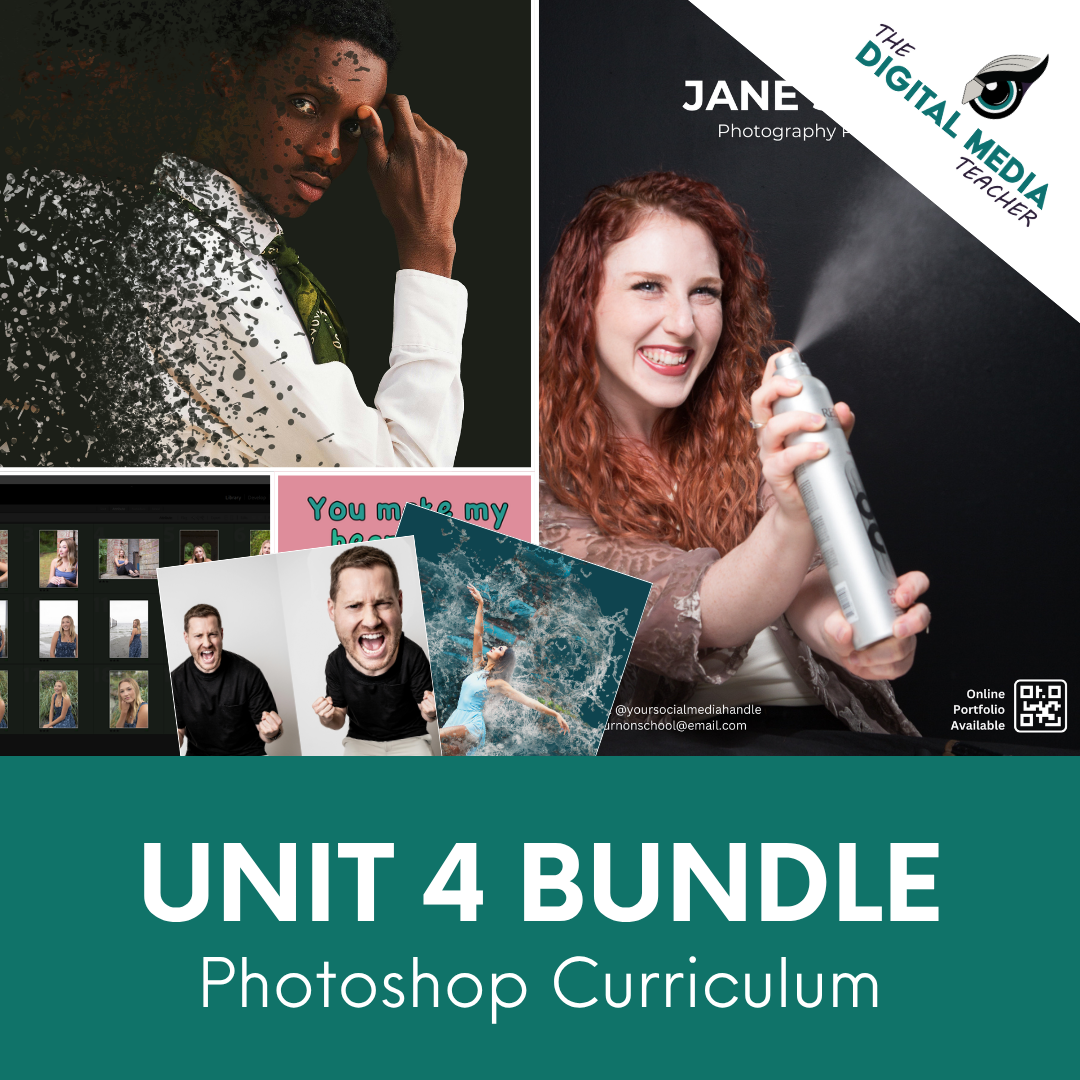
Unit 4: Creative Effects & Portfolio
15+ Resources, including lessons, activities, projects, rubrics, student examples and sample photos to use with your students. This unit is more about developing their portfolio and defining their personal style and taste.
- 1 - Culling Exercises
- 2 - Portfolio Planning Packet
- 3 - Special Effects Challenge
- 4 - Photoshop Ethics and Fails (Liquify)
- 5 - How to Critique Handbook
- 6 - Custom Brushes + Texture Experiment
- 7- Digital Scratch Art
8 - Caricature Fun Edit & Face Swapping - 9 - Pixel Stretch
- 10 - Digital Art Mandala
- 11 - Printing Basics
- 12 - Digital Portfolio Magazine
- 13 - Photoshop Certification Prep
- 14 - Bonus: Dino Valentine's Day Coloring Pages
- 15 - Bonus: Easter / Spring Coloring Pages
Photography Curriculum
I'm currently developing a brand-new Photography 1 curriculum which will live exclusively inside the Club for members only as a full curriculum.
This complete curriculum will feature ready-to-teach lessons, engaging projects, presentations, worksheets, assessments, and classroom resources covering composition, manual camera settings, Lightroom Classic, storytelling, and more.
As new units are completed, they'll be added directly to the Club library, meaning your membership continues to grow in value all year long.
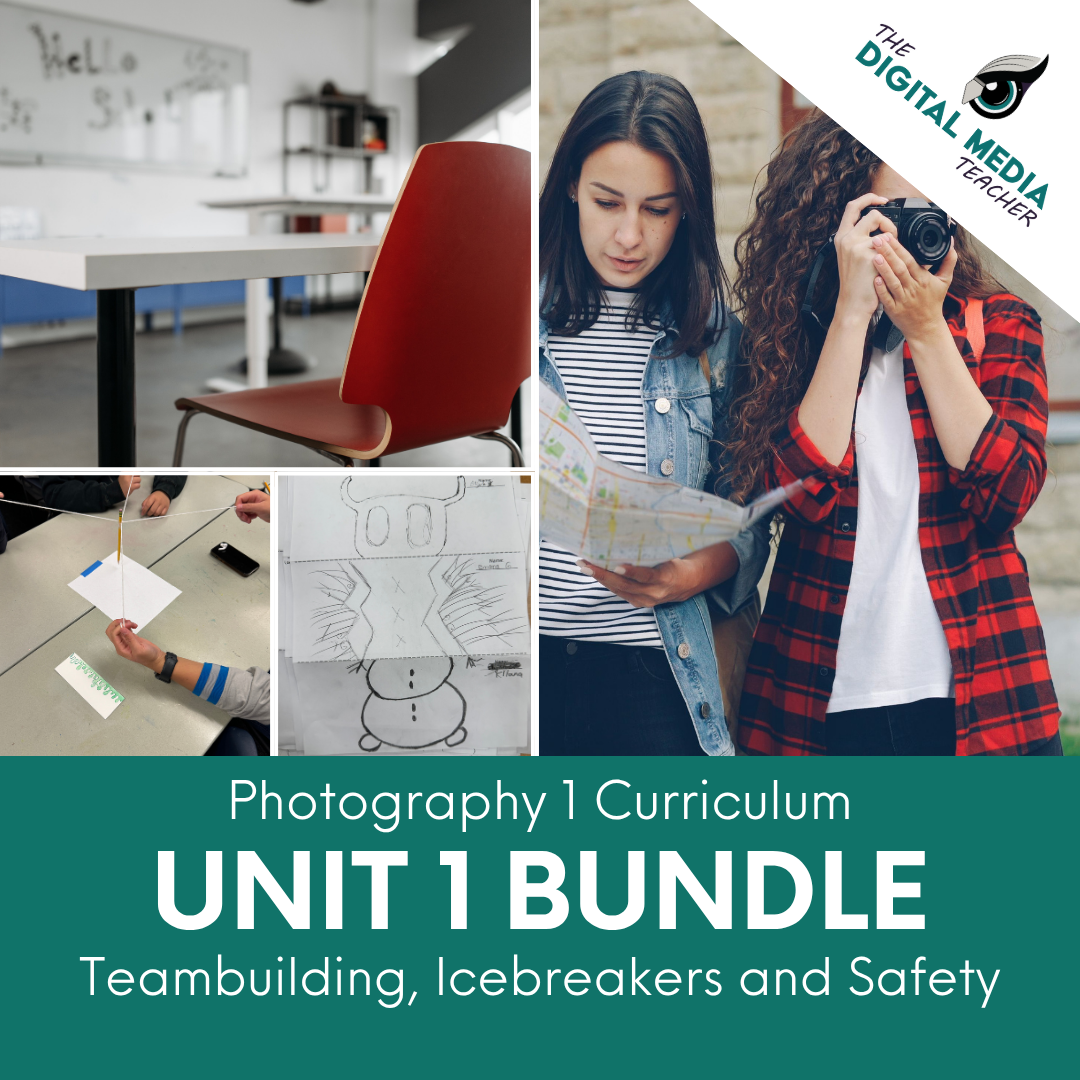
Unit 1: Teambuilding
Focuses on building the community that is beyond important inside the classroom. This will provide a space for students to feel connected and safe enough to be vulnerable with their visual communication and in critique while still building a solid foundation for classroom management.
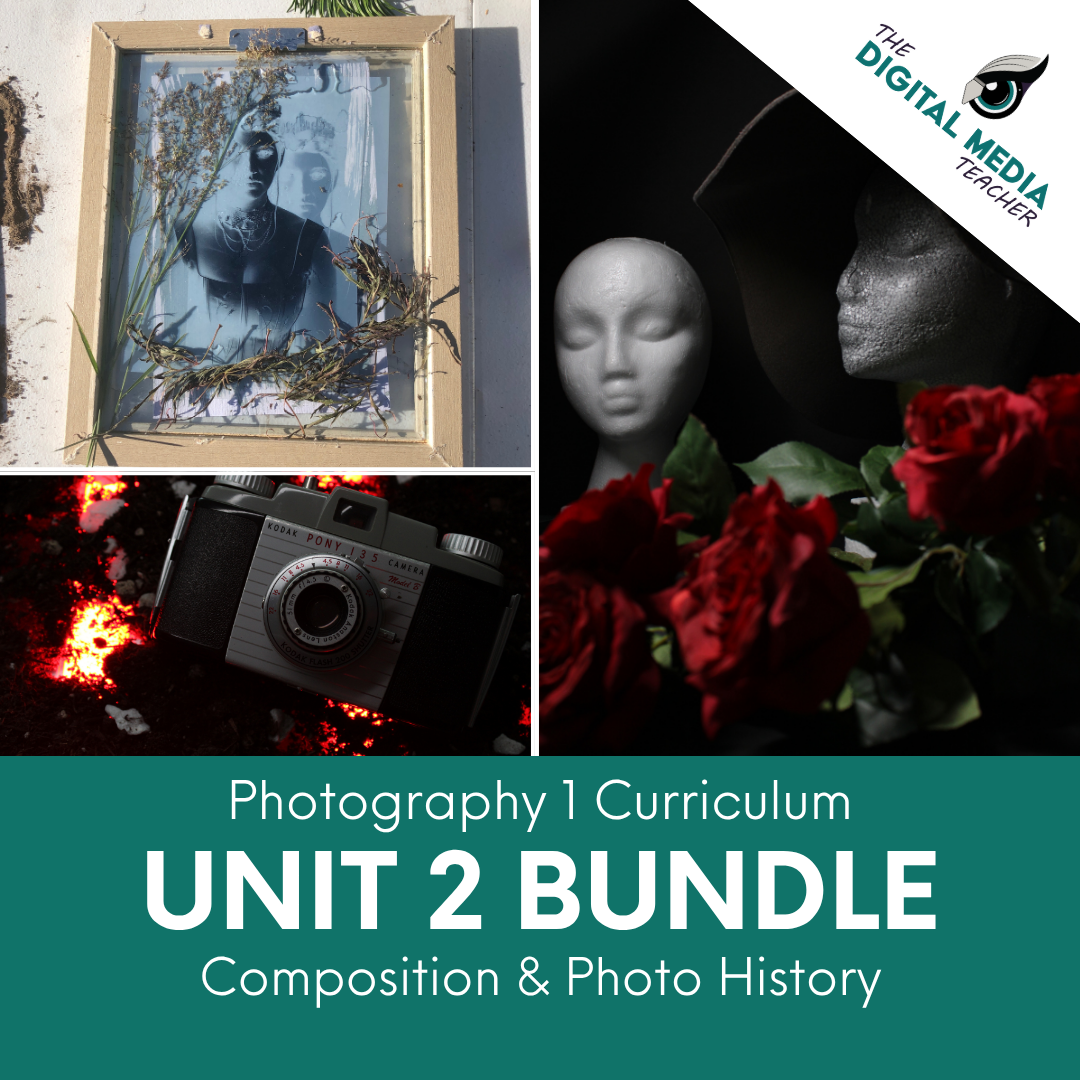
Unit 2: Composition & Photo History
This unit can be done with cell phones, dslr cameras on auto mode, or ipads / point and shoot cameras, etc. This unit focuses entirely on Composition and the History of Photography. A very hands on unit!
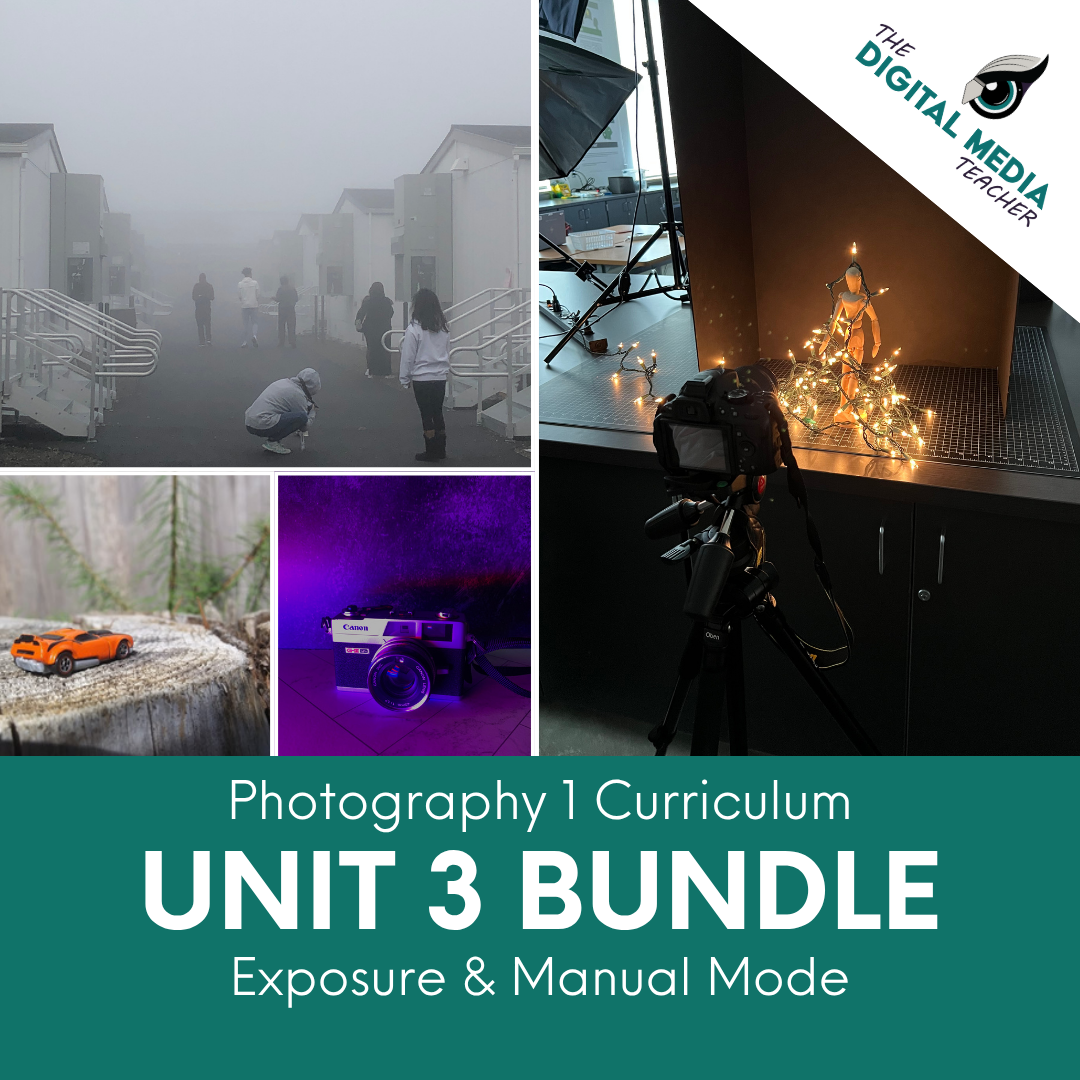
Unit 3: Exposure & Manual Mode
- Mini Unit A: Exposure, Focus, and Intro to Lightrom Classic
- Mini Unit B: Aperture and Depth of Field
- Mini Unit C: Shutter Speed and Motion Capture
- Mini Unit D: Histograms, White Balance, and ISO
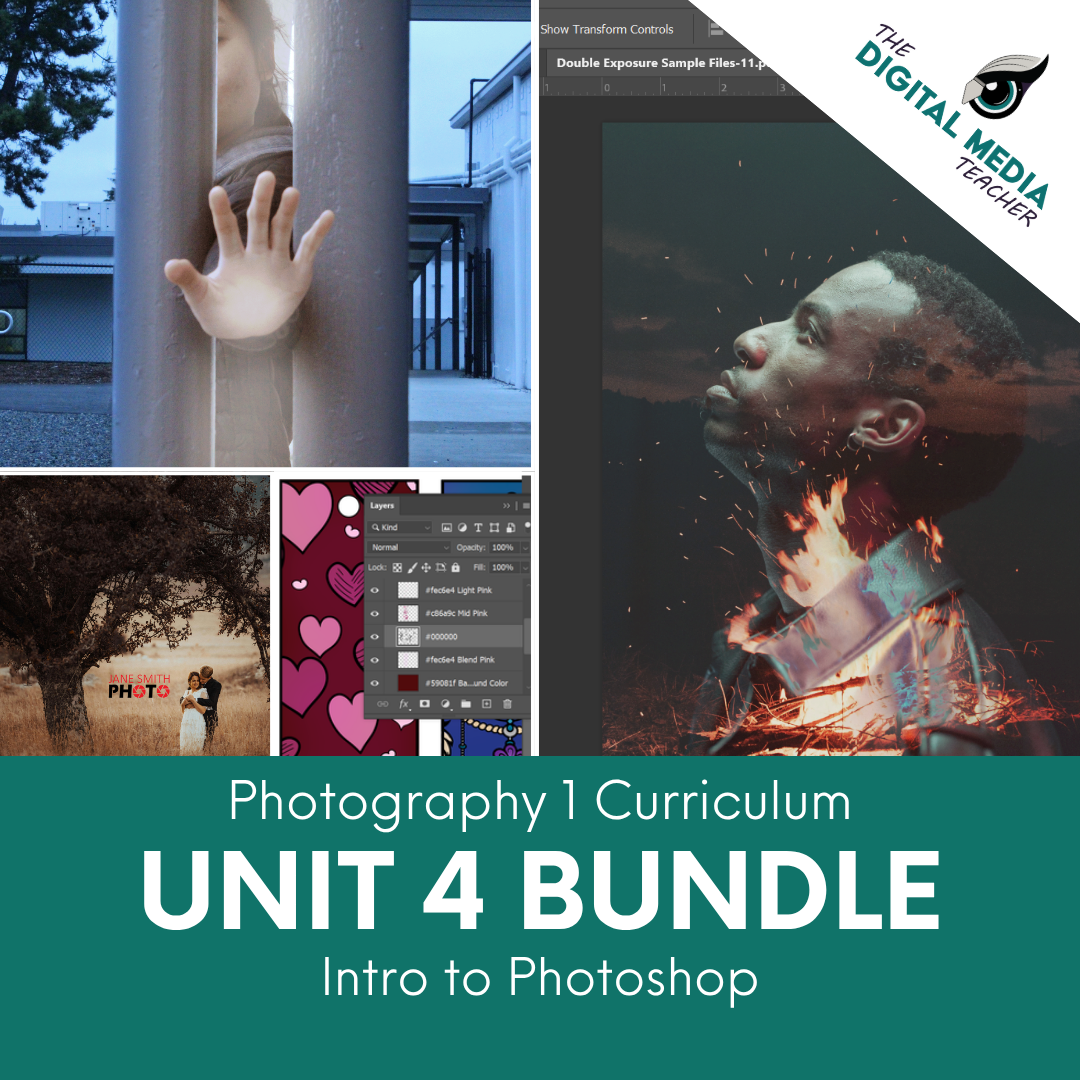
Unit 4: Intro to Photoshop (Photoshop Unit 1)
This unit is directly pulled from the Photoshop Curriculum and uses Unit 1 of that curriculum to complete the Course.
Why Invest in the Membership Instead of Individual Resources?
Whether you are an individual teacher or a school, you can certainly purchase individual lessons as they become available on teachers pay teachers, but that often means waiting for the right resource to be released, purchasing materials one at a time, and relying on teachers to piece together a cohesive curriculum.
The Digital Media Teacher's Club provides a more sustainable solution. Members receive immediate access to a growing library of classroom-ready curriculum, professional development, assessments, and teaching resources... all designed to work together as a comprehensive program.
Beyond the curriculum itself, the membership includes support for each lesson. Teachers gain access to workshops, implementation strategies, and best practices that help ensure resources are used effectively, reducing planning time while increasing confidence in the classroom.
As the Photography and Graphic Design curriculums continue to expand, your investment continues to grow. New units, projects, and resources are added to the library throughout the year, providing ongoing value without requiring additional curriculum purchases each time new content is released.
Additionally, teachers can also make requests for lessons, tutorials, demos and more which may be addressed as it's needed rather than having to search for hours or days to find what's needed.
Current Member Testimonials

"Highly Recommend her membership"
"You are grossly undercharging!"
I am in awe of the amount of stuff that you have created for us to use, firstly. Secondly, and I say this as someone who has paid to join this membership - you are grossly undercharging us for the amount of content that we are getting. Don't get me wrong, I am really grateful and thankful, but you are grossly undercharging.
- Jen
Reviews from
TPT Sales
5/5 - Excellent Resource!
This bundle is amazing and packed with so many wonderful resources! Amanda has clearly put a lot of thought into creating a curriculum that's both practical and deeply useful. Highly recommend!
- Nancy D - Full Photoshop Curriculum Bundle Bought on TPT
5/5 - Cannot say enough GREAT things about these materials!
I teach a full-year graphic arts/desktop publishing class, and this was the backbone of my curriculum and teaching materials. Not only are the activities engaging, interesting, and well-thought out, but the actual materials are incredibly well designed and created. The step-by-step nature of each lesson is perfect for novice learners. The PhotoShop lessons include screen captures of the user interface (PS program) and show how different tools look and work. AWESOME MATERIALS!
- Rob M. - Full Photoshop Curriculum Bundle Bought on TPT
5/5 - This Bundle is Amazing - Ready to Go and Easy to use Resource - If you teach Photoshop, Digital Media or Graphic Design this Bundle will save you so much Time.
I am so glad I purchased this Curriculum Bundle. From start to finish, it is the entire year's curriculum. I had been writing my own curriculum and I wish I had found this resource sooner.
- Jennifer W - Full Photoshop Curriculum Bundle Bought on TPT
5/5 - PERFECT!
Ready-to-use lessons that incorporate a variety of tools and levels. Thank you.
- Paula P - Full Photoshop Curriculum Bundle Bought on TPT
5/5 - Great resource!
This is a really well put together resource on the history of photography. Its super helpful because I don't have to research, create, etc a resource on this topic --- its already be done for me.
- Mrs. Megan M. - History of Photography Lesson and Project Packet Bought on TPT
5/5 - Projects are great!
Projects are written very well and the skills in them help with students prepping for and taking certification tests.
- Julie B. - Illustrator and Photoshop: Adobe Certification Prep Test & Study Guide Bundle Bought on TPT
5/5 - Another AWESOME resource from this provider!
I'm a Digital Media Teacher fan-boy! I used this activity as the year started to wind down (fourth quarter) with great success. My class LOVED the planning leading up to the actual logo design and they had fun creating a personal logo based on their interests and likes.
- Rob M. - Professional Logo Design Lessons and Projects Bundle Bought on TPT
5/5 - Incredible Resource for 2nd Level Students
This is one of my best TPT purchases ever - I'm currently using this resource with my 2nd level HS graphic design students in our Layout & Composition unit, and they are thriving! The content is clear, well-written, and well-organized, the worksheet is so smart (I love the way they have to label the different parts of the grid system!), and the final project is so simple but such a great way for them to practice what they've just learned. My students are so excited to choose their own topics for their 3 layouts! Thank you thank you <3
- Bailey J. - Grid Designs in Photoshop: Layout Design Lesson, Activity and Project Bought on TPT
5/5 - Composition Photo Dash Cards!
My students worked in pairs or small groups, and their challenge was to interpret the prompt creatively and capture an image that best represented the principle. Many students appreciated the freedom to be creative with the prompts. They had the opportunity to experiment and express their artistic vision, making the activity more enjoyable than traditional assignments. The cards were well-organized, and the terms were explained in a simple yet effective manner. This made it easy for students to understand what they were supposed to focus on and how to approach each challenge.
- Megan N. - Photography Activity: 40+ Composition Photo Dash Term & Prompt Task Cards Bought on TPT