On the 12th day before winter break...
Dec 02, 2025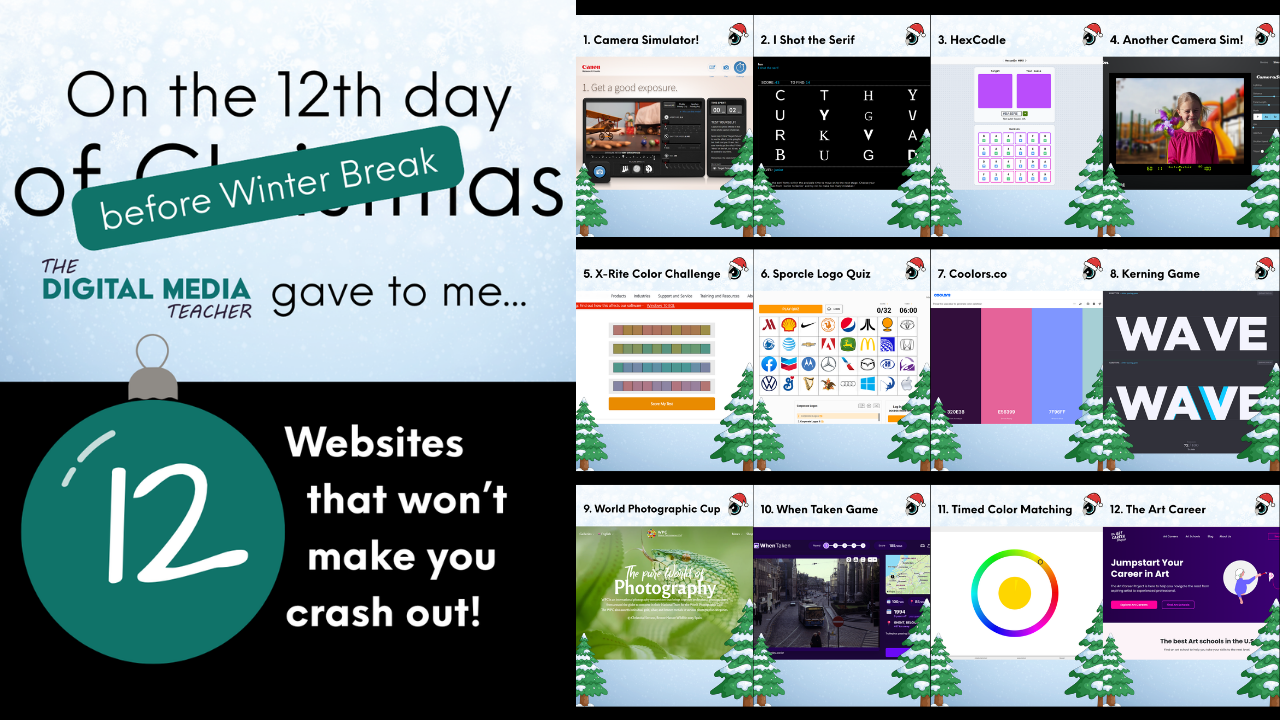
If you are a digital media teacher in December, you are probably running on cold coffee (or warm coca cola), missed student deadlines, and the sheer willpower of someone who has repeated “Make sure you SAVE your files” forty-seven times today.
Winter break is finally in sight, but the days between now and then can feel like a marathon through a room full of tangled charging cables and props strewn around the room. To help you survive the final stretch, I put together a list of my favorite classroom websites for Digital Media teachers that might help you catch a break and have a little fun - don't worry, they are all still educational - and a little addicting.
Think of this as your emergency kit for the next few weeks when your sanity is on the line, your energy is fading, and your patience is a little questionable.
Use these sites as needed so you don't "crash out."
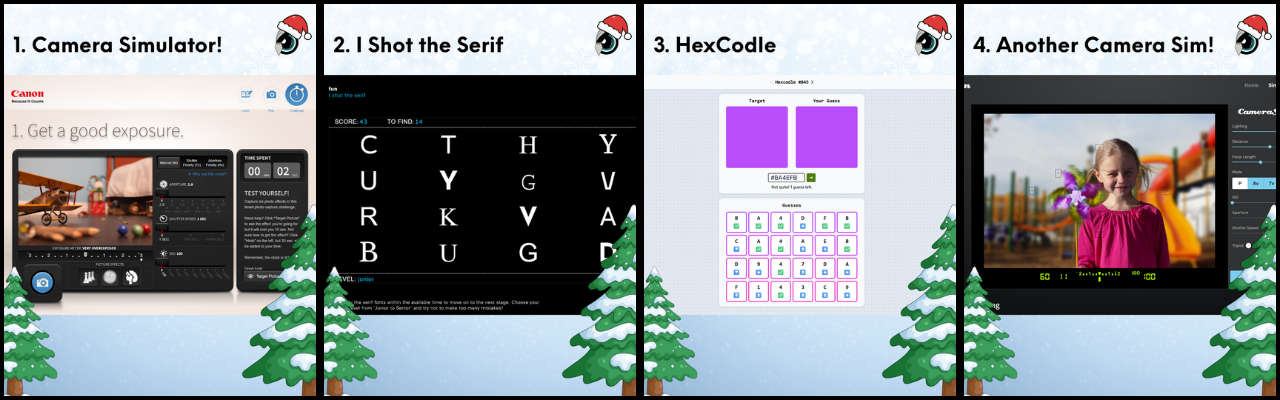
1. Camera Simulator - if you haven't used Canon Outside of Auto yet, why not?! This online simulator seriously helps kids learn how to use the camera and figure out how to get a good exposure. This is the first step I have students do before we go out for the first time with our DSLR cameras. Use the "Learn" tab to explore the different settings, the "play" tab to practice and the "challenge" tab to test your skills!
2. I shot the serif... but I did not shoot the deputy. Ok, I can't introduce this without singing it too. *massive eye roll* from my students. But this one really is fun. If you're a graphic design teacher and you are introducing serif and sans serif fonts - this is a game changer!
3. Hexcodle - If your students are OBSESSED with wordle, they may find this game just as addictive! Learn all about hex codes and practice guessing the hexcode combo. Need a refresher on hexcodes? Check out this FREE Hexcode lesson on my TPT store!
4. Camera Sim - This one is a lot more in depth, so I don't use it with my newbies - but it can be an extremely useful tool when teaching students about depth of field especially!
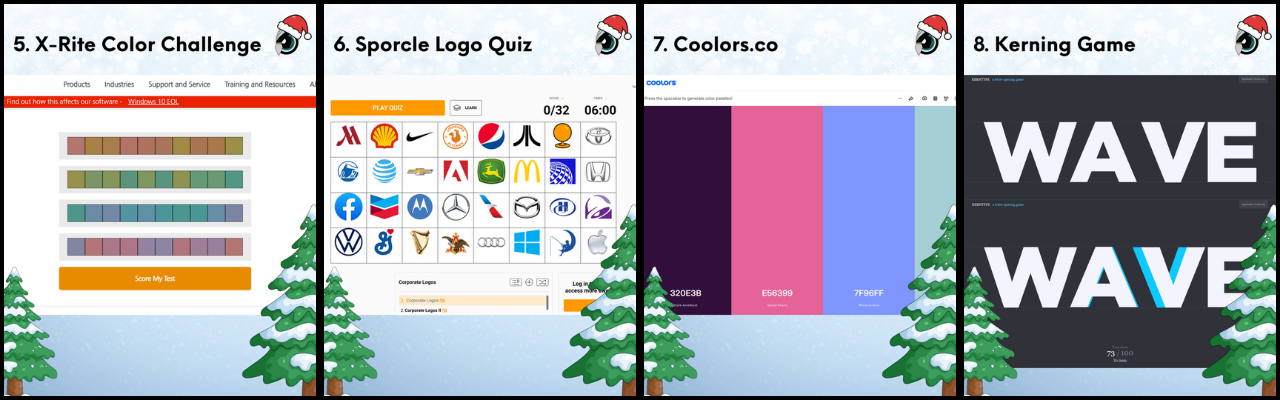
5. X-Rite Color Challenge - this is a tool I use to determine student color blindness. Extremely useful for graphic design teachers who need to introduce the need for creating high contrast designs that are ADA friendly.
6. Logo Game by Sporcle - this one has some ads, so it may not be a classroom fav anymore and is currently blocked in my new district, but if you have access to it, it's a ton of fun to see what logomarks your students recognize!
7. Coolors.co - need to get your students to try some new color combinations? Have them check out Coolors.co and play around with the different color options and harmonies. This can be a fun way to get students to create a new image or design with a pre-determined color combination!
8. KERNING! Oh my! If you want your students to learn all about kerning - this is a GREAT tool. It can be extremely frustrating at times, but students like to try it again and again to get the best score in the room.
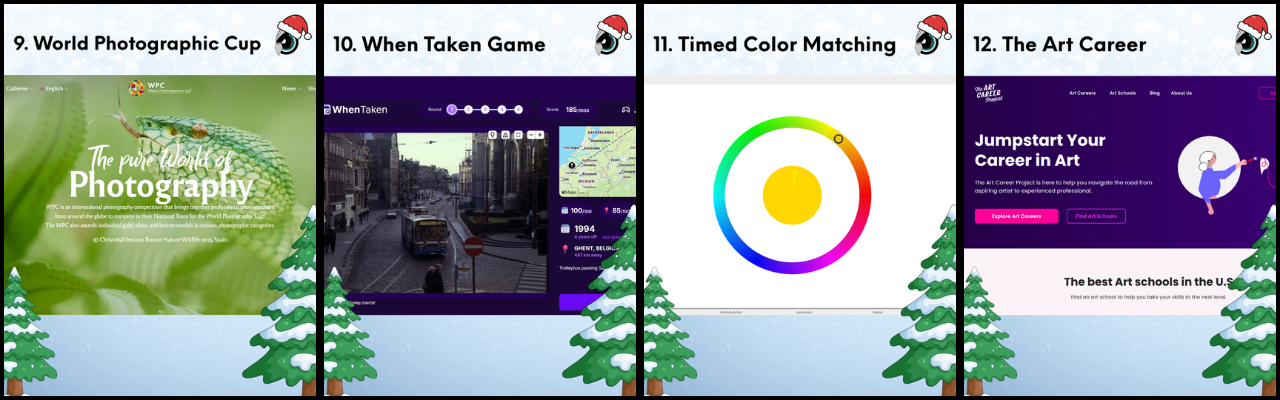
9. World Photographic Cup - need some inspiration in your classroom? Look no further! This is a great site to show students just how far they can go with their compositions and their subject matter.
10. When Taken - this one is new to me and similar to WorldGuessr and GeoGuesser in a way, but instead of searching through a map linked to Google's live view, here you are looking at photos that you now have to determine WHERE they were taken as well as WHEN they were taken! Kind of a fun new way to talk about the history of photography and the world.
11. Color Matching - another great way to see where students have color blindness or difficulty seeing the differences in colors with hue, tint, combos and more. This is a frustratingly fun activity that will keep your students actively engaged for a WHILE.
12. The Art Career Project - Need your students to look deeper into the options that an art related career can provide? Here's a great site that has a TON of information about art related careers. Great site to send students to for a research project just before the break!
And last... and well, least, is the terrifying yet still useful Virtual Lighting Studio!
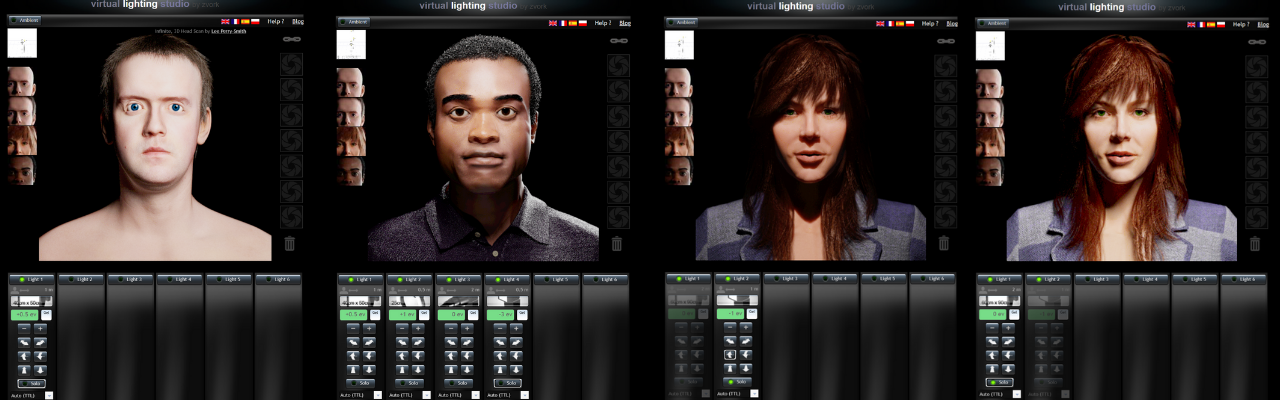
This virtual photo studio is damn near guaranteed to haunt your nightmares this season, but the lighting details are pretty on point. This is a fun virtual space to use with students before you let them loose with your studio equipment and gives them a chance to learn more about how light modifiers, placement, distance, and angle all work to change the shape of the face.
There you have it....Your December survival starter pack.
Bookmark this page, save it, tattoo it on your forearm if that is the level of energy you are working with this week.
Whatever helps you remember these sites exist when you are five minutes from class starting and your brain is already drifting toward winter break or you need to send in the sub because you just can't take it any longer!
If you try any of these tools, let me know which ones saved your day. And if you have a teacher friend who looks like they are about to crash out before the holiday, send this their way. Sharing is caring, especially in December.... and January, and February and ESPECIALLY March...
May your Wi-Fi stay strong, your coffee stay hot, and your students remember where they saved their files.... since we all know they won't know WHAT they saved their files as!
If you aren't already, make sure you follow my instagram for more tips, tricks, products and more!