Are you learning Illustrator? Check Out These Online Resources...
Jul 29, 2026
My first year of teaching, I only taught Photo and Video. This was great! I had plenty of experience with both of these and loved teaching all aspects of photo and video.
Fast forward a few years and now I was being asked to teach Graphic Design.
It had been YEARS since I had opened ANY kind of Vector software, and to be completely honest - I had spent very little time in them - but I knew they were necessary to know. So I started off teaching students about layout design (which I was much more familiar with) and taught myself Illustrator again.
I went through the trenches finding all sorts of different tutorials, going through Adobe Educator tutorials online (I didn't have access to CC yet, we were still using CS6 at my school), and endless youtube tutorials.
I'm still not the EXPERT in Illustrator and continue learning everyday!
I do have to say, though, Illustrator is actually my favorite program to learn now :)
Here are a few of my favorite websites to help you learn Illustrator and teach it to your students.
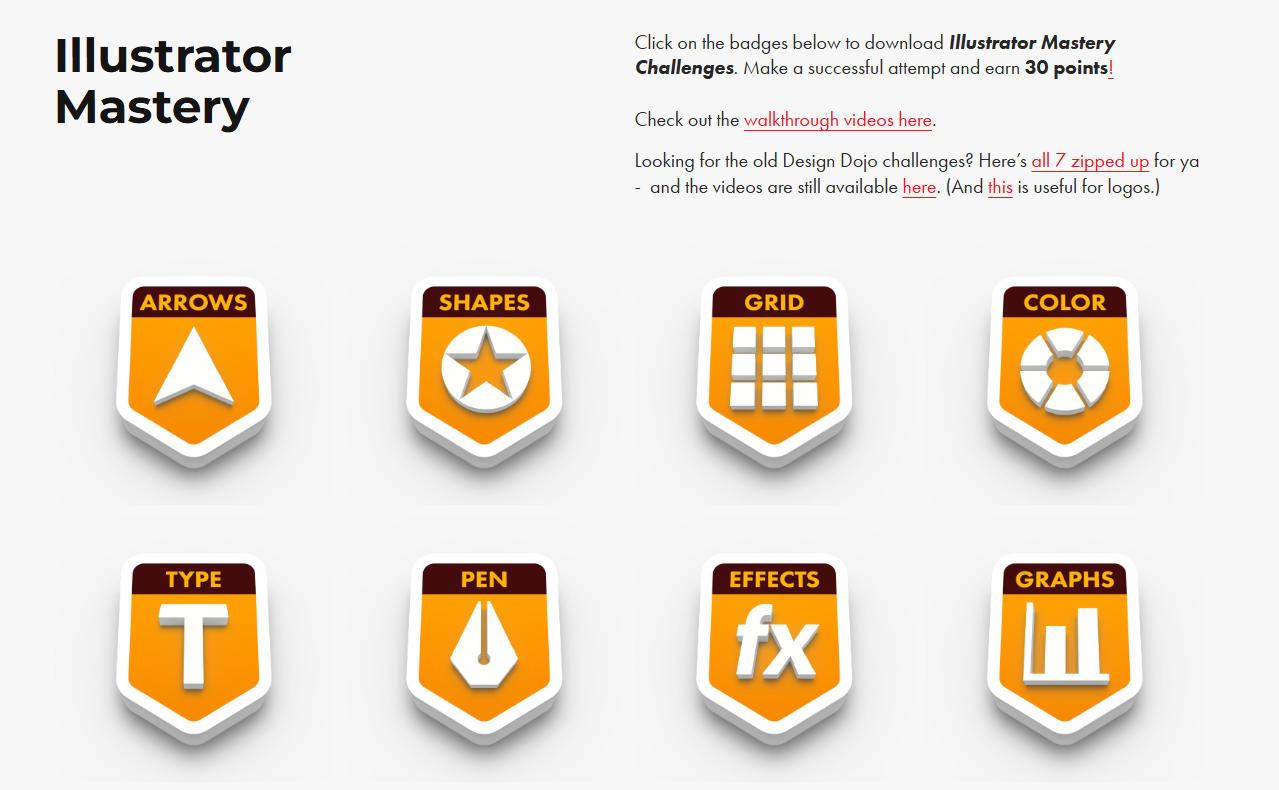
#1 Design Dojo Challenges
Kevin does a FANTASTIC job creating these really fun tutorials that you can practice alongside your students with. When he first launched these, there were only 4 and he started with the Pen Tool. Now, there are 8 and he starts with Arrows and Shapes.
I have found that teaching students to use Illustrator like we teach drawing - starting with basic shapes and combining those - is the truly best way to get your students going in this platform. It takes the "I can't draw" students and moves them into "that's just a bunch of squares and circles... I can do that!"
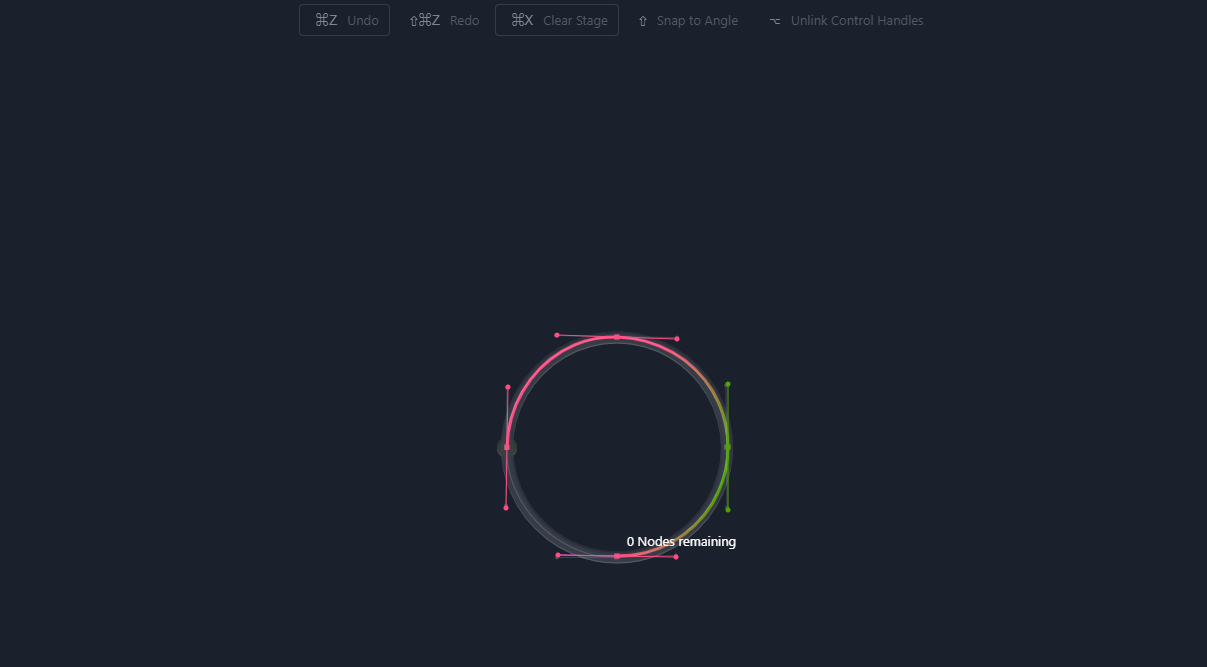
#2 The Bezier Game
This game continues to help you learn more about the pen tool - though I think the Design Dojo lessons are more than enough, this one is more of a fun challenge game you can do with students to get them to play around a bit more and be more competitive with each other.
#3 The Boolean Game
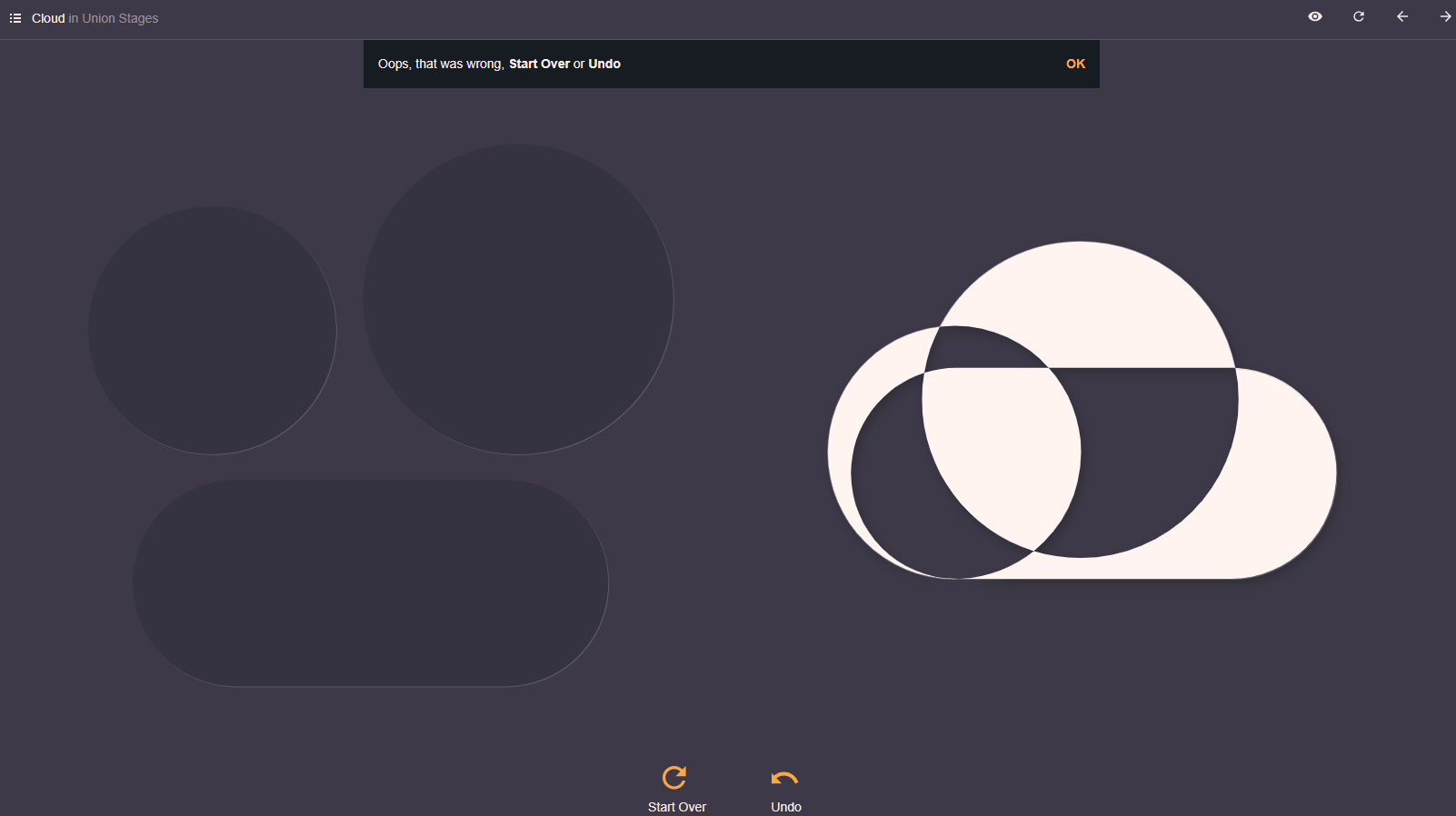
From the creators of The Bezier Game, I give you The Boolean Game. On this site, your students are practicing the pathfinder tools - the art of uniting shapes, subtracting shapes, dividing them or intersecting them. It even guides them along the way which can be extremely helpful for students who are still learning how to put shapes together.
#4 The Shape Type
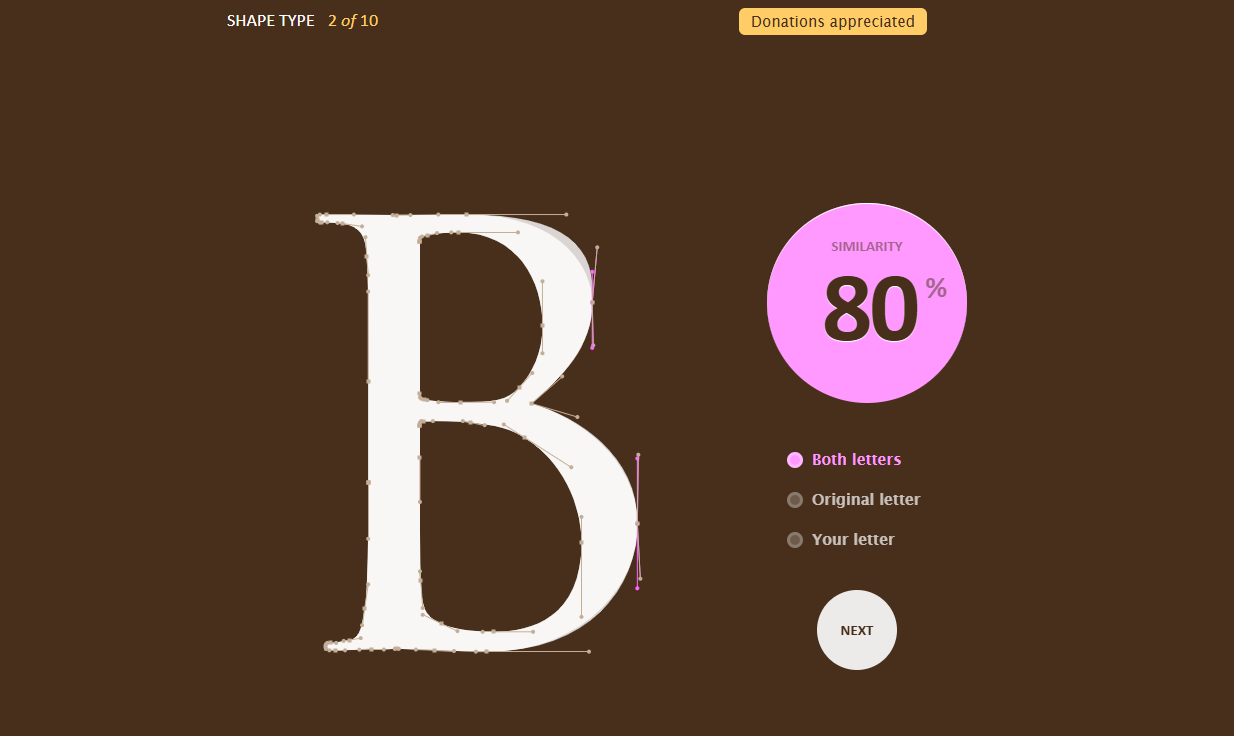
Another favorite from the same creators - The Shape Type. This game helps students learn about creating and modifying typography once the outlines have been created. This is a more difficult game as students should be quite familiar with different fonts and they are trying to make the unshaped letters look like they should in the original font and then are shown how close they got - it can be quite frustrating. I like to give this game to my advanced students or those who are very interested in typography. It's also great for a sub day because students who get competitive will sit at this for HOURS.
#5 User Inyerface
Give this game to students you absolutely cannot stand.
Just kidding - give this to your students before you talk about User Interface and watch them RAGE QUIT your class. You'll get a GREAT laugh and then have an opportunity to explain to students the importance of GOOD DESIGN.
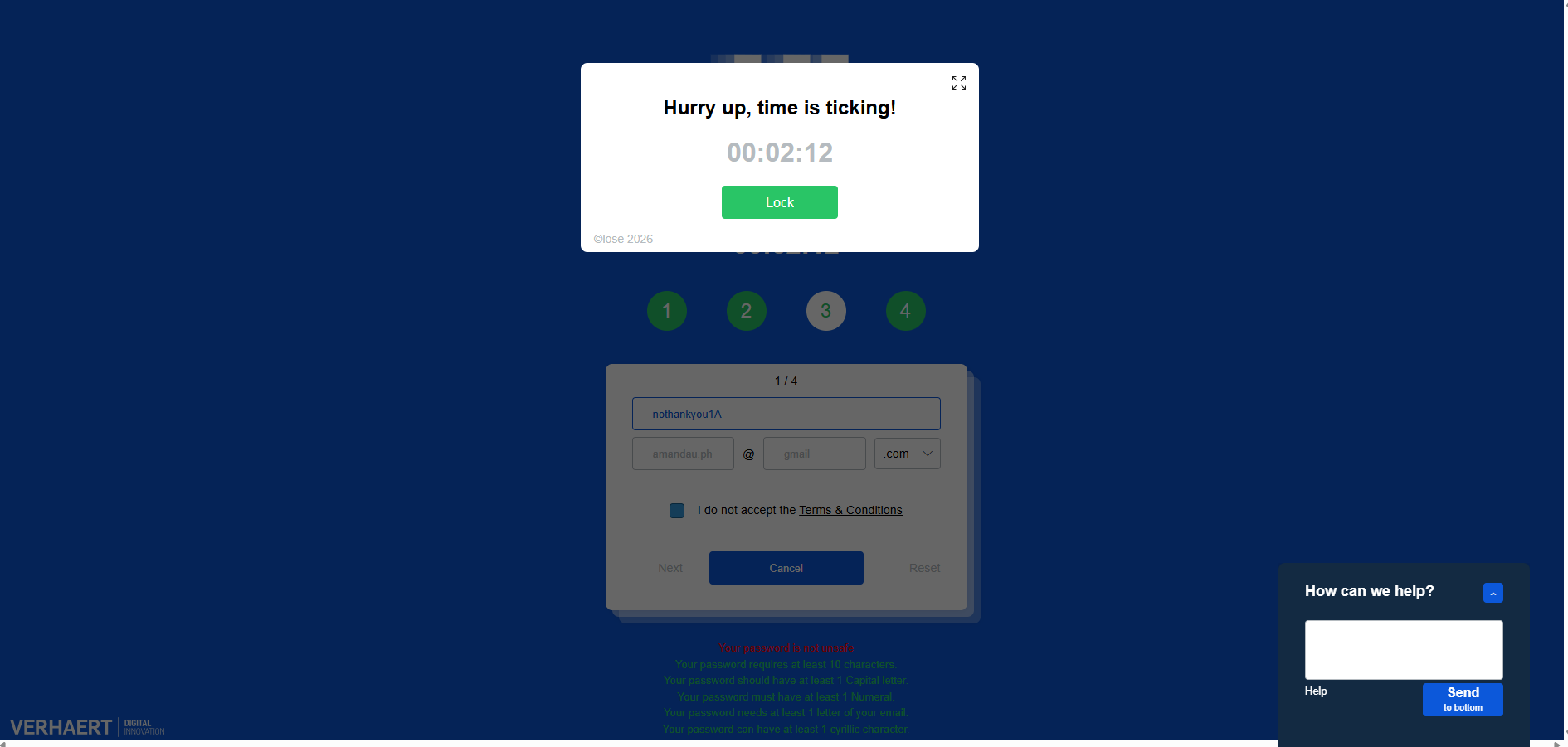
Side note - this website was created as a joke among a bunch of UX/UI designers who had gotten fed up. I get a good giggle out of it anytime I come across it and hopefully you will too... Just do NOT give this out on a Sub Day...
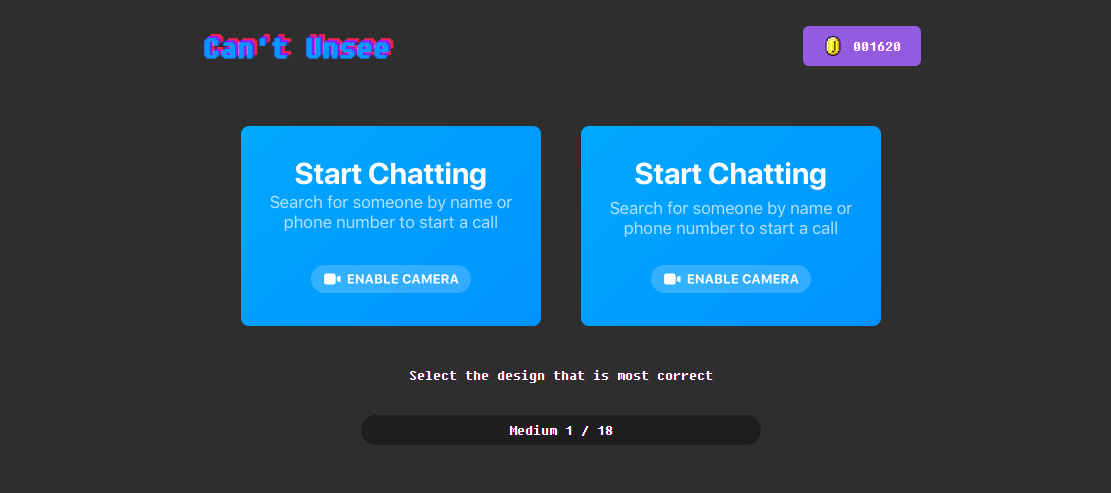
#6 Can't Unsee
This site is really fun to see what your students notice subtly. It puts two designs side by side - mostly UX/UI related - and asks you to choose which design is correct. Students will go through this super fast, but it will show them why something is or isn't correct if they pay attention.
#7 It's Centred That
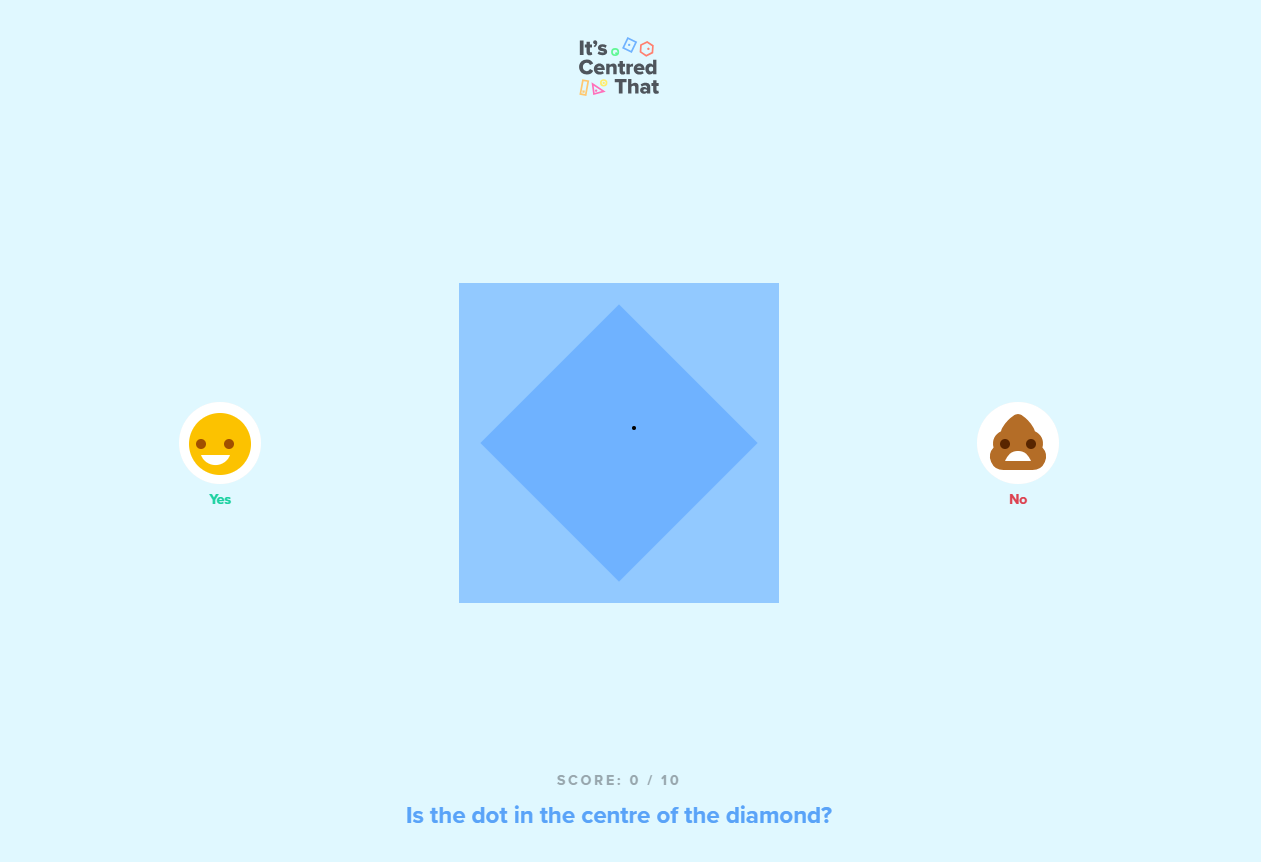
This one is also just a fun little time killer - it asks students to choose yes or no to whether the dot is centered in the objects. It's often off by just a HAIR and when you choose wrong... well... you'll see...
There are lots of other sites you can use to help you teach Graphic Design in general that I haven't listed, but these are some fun ones to get you started!
I've been asked a LOT if I'm going to start an Illustrator Bootcamp, and I do plan to next summer so stick around, there's a lot happening right now and I'm excited for every step of it!